ABAX Vision AI: Integrated dash cams for a safer fleet
ABAX Vision AI: Integrated dash cams for a safer fleet
What is asset tracking and why do you need it?
Asset tracking helps businesses understand where their tools and equipment are, how they’re being used, and how to reduce loss, downtime, and unnecessary costs. This article explains what asset tracking is, how it works, the main technologies available, and how to choose and implement the right solution for your business.


Contents
Why asset tracking matters for tools and equipmentWhat is asset tracking?How does asset tracking work?Hardware: asset trackersSoftware: asset tracking platformsReal-time vs periodic tracking3 main asset tracking technologies comparedHow to choose the right technologyMain benefits of asset tracking for businessesKnow where all your assets areImprove asset utilisationEnable predictive maintenanceReduce operational costsEnsure complianceBoost productivityIndustry-specific applications of asset trackingConstructionManufacturingFacilities managementTransport and logisticsPlant hireHow to choose the right asset tracking solutionMust-have features checklistGuide to implementing an asset tracking solutionPhase 1: PlanningPhase 2: SelectionPhase 3: DeploymentPhase 4: OptimisationROI and cost-benefit analysis of asset trackingTrack your assets with ABAX solutionsWhy asset tracking matters for tools and equipment
In this article, asset tracking refers specifically to tool and equipment tracking.
Asset tracking is the process of monitoring physical tools and equipment using tracking technology and software, helping businesses stay in control without adding unnecessary admin. For many businesses, it has become an essential way to reduce losses, improve utilisation, and maintain operational control across worksites, depots, and customer locations.
As organisations manage more mobile tools and equipment, manual registers and spreadsheets are no longer enough. Asset tracking provides reliable, real-time or periodic data that supports better decision-making and long-term cost control.
What is asset tracking?
Asset tracking is the use of technology to monitor the location, movement, and status of tools and equipment.
In practical terms, this includes items such as power tools, plant equipment, machinery, and other valuable assets that are frequently moved between sites or shared between teams.
At a basic level, asset tracking answers three key questions:
Where is the tool or piece of equipment?
Is it being used?
Is it where it should be?
Modern asset tracking systems combine tracking hardware with software platforms that turn raw data into practical insight.


How does asset tracking work?
Asset tracking systems are made up of two main components: hardware and software.
Hardware: asset trackers
An asset tracker is a physical device attached to an asset. Depending on the technology used, it may transmit location data continuously or at set intervals. Trackers can be powered by batteries or wired into existing power sources.
Software: asset tracking platforms
Asset tracking software collects data and presents it in a clear dashboard so businesses can see asset locations, usage, alerts, and reports in one place.
In many cases, software works alongside physical trackers. However, some asset tracking platforms can also use tracker-less tracking by pulling data directly from original equipment manufacturers (OEMs). This means businesses can gain visibility into certain assets using built-in sensors and OEM data, without installing additional hardware.
Data typically flows into the platform via mobile networks, gateways, APIs, or OEM integrations, depending on the technology used.
Real-time vs periodic tracking
Some assets benefit from real-time tracking, such as vehicles or high-risk equipment. Others only require periodic updates, such as tools stored on-site. Choosing the right update frequency helps balance cost, battery life, and data needs.
3 main asset tracking technologies compared
Different asset tracking technologies suit different use cases. Below is a comparison of the three most common options.
How to choose the right technology
When selecting an asset tracking technology, consider:
Whether assets are indoors, outdoors, or both
How often location updates are required
Power and battery constraints
Cost of trackers and infrastructure
Many businesses use a combination of technologies to cover different asset types.


Main benefits of asset tracking for businesses
Asset tracking delivers clear, practical benefits across day-to-day operations.
Know where all your assets are
Instant visibility reduces time wasted searching for missing equipment and lowers the risk of theft or loss.
Improve asset utilisation
Usage data helps identify underused assets and avoid unnecessary purchases.
Enable predictive maintenance
Tracking usage and movement supports planned maintenance, reducing breakdowns and downtime.
Reduce operational costs
Fewer lost assets, less downtime, and better planning all contribute to cost savings.
Ensure compliance
Asset tracking supports audits, inspections, and documentation requirements.
Boost productivity
Teams spend less time searching for tools and more time doing productive work.


Industry-specific applications of asset tracking
Construction
Track tools and plant equipment across sites to reduce loss and improve accountability.
Manufacturing
Monitor machinery usage, maintenance schedules, and internal movement.
Facilities management
Keep control of shared equipment across multiple locations.
Transport and logistics
Track trailers, containers, and non-powered assets.
Plant hire
Improve asset availability, billing accuracy, and theft prevention.
How to choose the right asset tracking solution
Use the following framework when evaluating solutions:
Define which assets you need to track
Identify where and how assets are used
Choose suitable tracking technologies
Assess software usability and reporting
Check integration with existing systems
Review security and data compliance
Evaluate total cost of ownership
Must-have features checklist
Accurate location data
Clear reporting and alerts
Scalable tracking options
Strong data security
Easy onboarding and support
Guide to implementing an asset tracking solution
Implementing asset tracking doesn’t need to be disruptive or complex. The most successful projects follow a clear, phased approach that focuses on real operational needs rather than technology alone.
Phase 1: Planning
Start by being clear on why you are implementing asset tracking.
At this stage, businesses should:
Define clear goals (for example, reducing tool loss, improving utilisation, or cutting downtime)
Decide which tools and equipment will be included in the first phase
Identify success metrics such as reduced replacement costs, fewer lost items, or time saved on searches
Involve key stakeholders early, including operations, site managers, and finance
Keeping the initial scope realistic makes it easier to prove value quickly and build internal support.
Phase 2: Selection
Once goals are clear, the focus shifts to choosing the right technology and software.
This phase should consider:
Where tools and equipment are used (indoors, outdoors, or across multiple sites)
Whether assets need real-time or periodic tracking
Battery life, installation effort, and maintenance requirements
How easily the system fits into existing workflows and systems
The right solution should support day-to-day operations rather than create additional admin.
Phase 3: Deployment
Deployment is where planning turns into action.
Typical steps include:
Attaching trackers or activating tracker-less tracking where available
Grouping assets logically within the software (by site, team, or asset type)
Setting up alerts, reports, and access levels
Training users on how to find assets, interpret data, and act on insights
A short pilot phase can help identify issues early before rolling out more widely. At this stage, it’s worth favouring providers that offer structured onboarding and dedicated account management, as this support can significantly reduce friction during rollout and help teams get value from the system faster.
Phase 4: Optimisation
Asset tracking delivers the most value when data is reviewed regularly and used to improve processes.
Ongoing optimisation may include:
Reviewing reports to identify underused or frequently moved tools
Adjusting alert thresholds as usage patterns become clearer
Using insights to improve purchasing, maintenance, and allocation decisions
Expanding tracking to additional tools or sites over time
By treating asset tracking as an ongoing process rather than a one-off project, businesses can continue to increase value long after initial implementation.


ROI and cost-benefit analysis of asset tracking
The cost of asset tracking typically includes trackers, software licences, onboarding, and setup. In return, businesses see savings through reduced loss, improved utilisation, lower downtime, and less time spent searching for missing tools.
For tool and equipment-heavy industries, replacement costs are a major factor. In the UK, research consistently shows that replacing lost or stolen tools can cost thousands of pounds per incident, and many businesses experience repeat losses over time. Without visibility, these costs quickly add up and are often accepted as part of doing business.
By reducing losses, improving planning, and extending the useful life of tools and equipment, asset tracking can deliver a fast return. Many businesses see payback within months, particularly where asset loss, duplication, or inefficiency has been an ongoing issue.

Track your assets with ABAX solutions
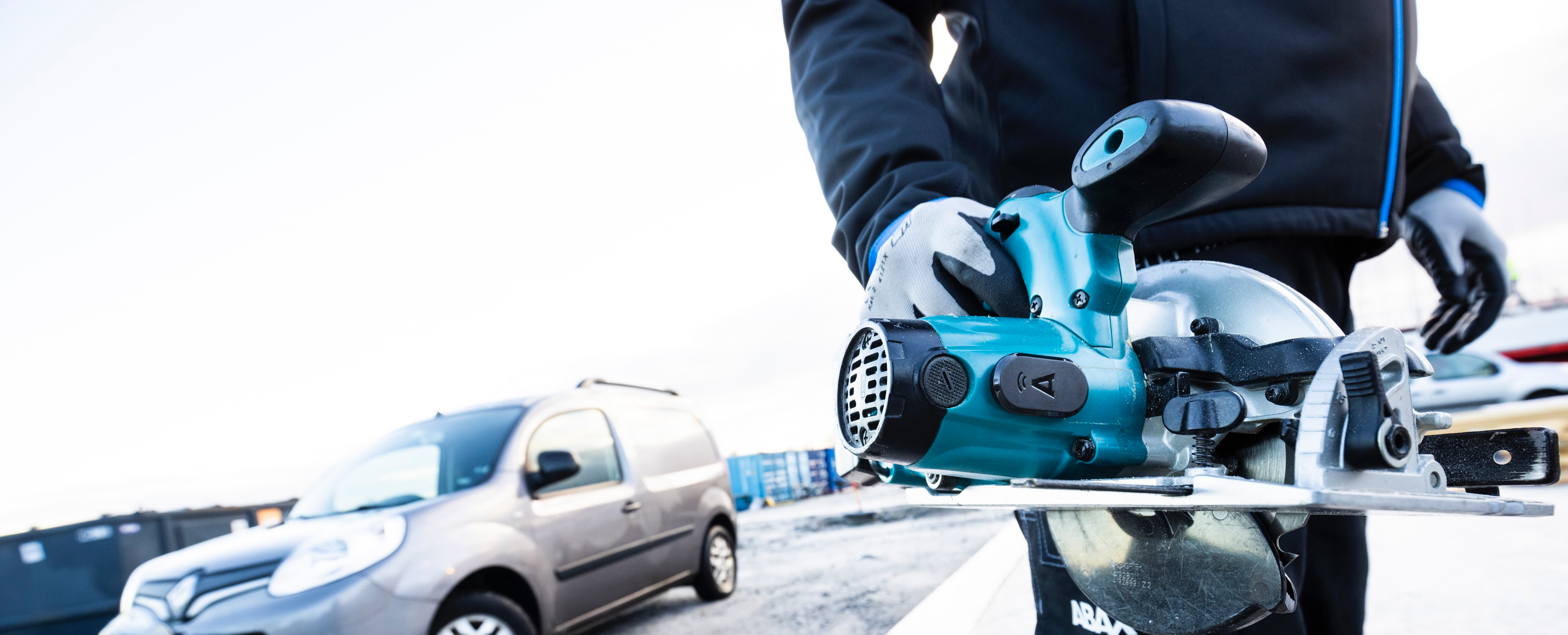
ABAX provides asset tracking solutions focused on tool and equipment tracking, designed to give businesses full visibility while keeping things simple and easy to manage.
ABAX Locator enables tracking of tools and equipment across sites, helping reduce loss, improve utilisation, and support day-to-day operations.
ABAX Worksite provides visibility at site level, helping businesses understand where tools are located and how equipment moves between worksites.
About the author

Anna Edwards
Global Marketing Excellence Manager and UK Regional Marketing Manager
Anna Edwards is a B2B marketing expert at ABAX, specialising in content, campaigns and thought leadership across mobility and asset management.
Frequently asked questions about asset tracking
Most modern asset tracking platforms offer integrations via APIs or standard connectors, allowing data to flow into ERP, maintenance, or reporting systems. ABAX supports integrations that make it easier to connect asset data with existing workflows, reducing manual work and improving data consistency.
ROI depends on asset value, loss rates, and how tools and equipment are used. Many businesses see returns within 6–12 months through reduced replacement costs, lower downtime, and better utilisation. With ABAX, customers often start seeing operational benefits quickly by addressing loss and inefficiency early.
Yes. Asset tracking scales well and can deliver significant value even for small businesses with limited tool inventories. ABAX solutions are designed to be flexible and easy to roll out, making them suitable for growing teams as well as larger organisations.
Outdoor assets are commonly tracked using GPS, which works well in open environments. Bluetooth can be used both indoors and outdoors when supported by gateways or mobile devices, making it suitable for tools that move between sites.
Implementation can take anywhere from a few days to several weeks, depending on asset volume and complexity. Solutions like ABAX are designed to be self-installable, giving businesses maximum flexibility to roll out tracking at their own pace while still having access to onboarding support if needed.